From auto failover to active/active: managing connectivity across sites
Two circuits from two providers can look like resilience on a vendor risk register. When the primary line drops at 12:40 on a Saturday, the picture changes. Tills stall, card payments queue, and someone is on the phone trying to work out which provider owns the fault.
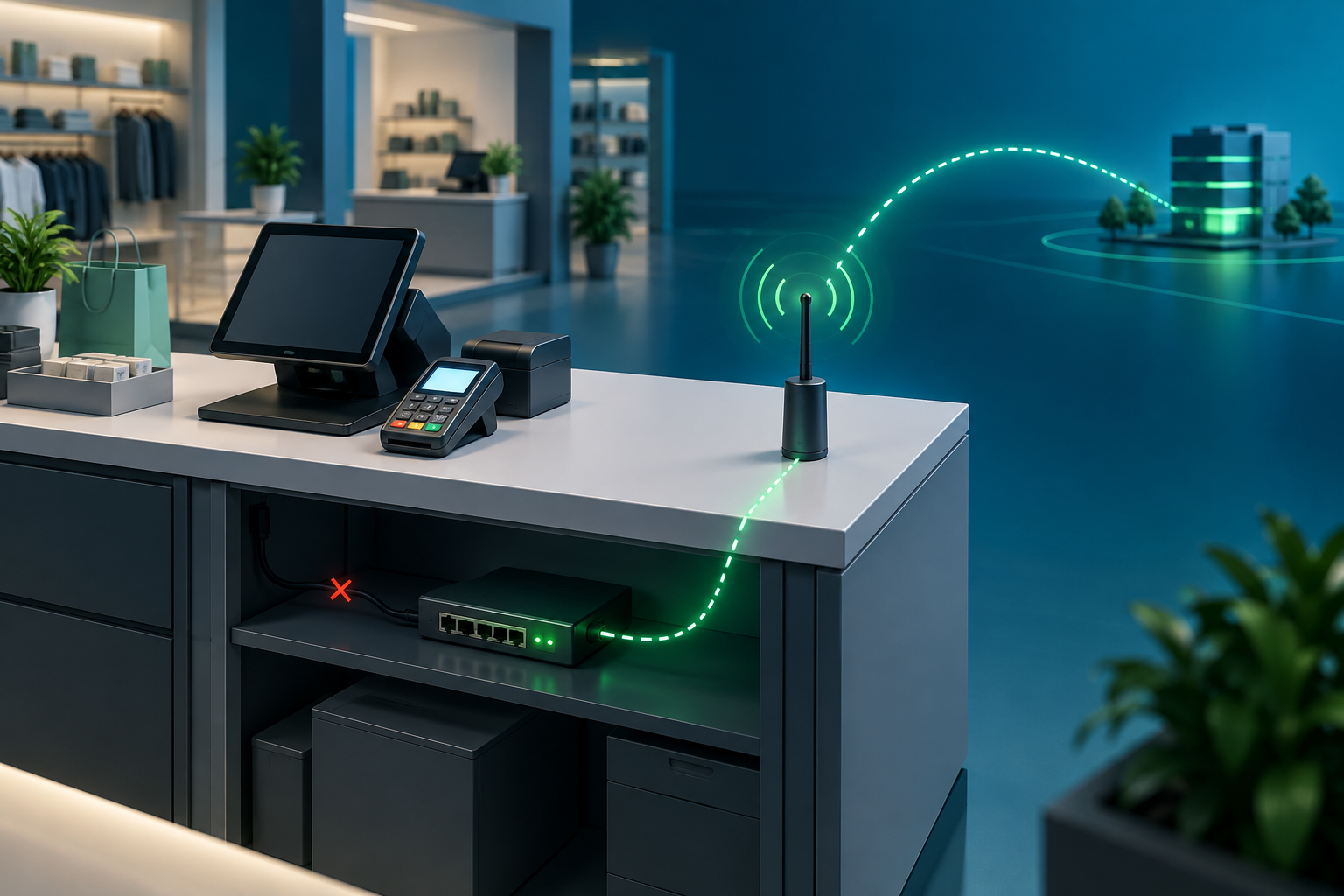
Two connections on their own do not manage traffic. Equipment is needed to monitor the connections and decide where traffic should go. With the right solution, traffic can fail over automatically when a connection’s performance deteriorates, run across both connections at once, or be directed according to the type of traffic.
This guide explains what auto failover means, how active/active works, why two circuits alone may not prevent downtime, and how to assess connectivity as a vendor risk and value question.
Key insights
- Two circuits provide separate paths, but equipment is needed to monitor and manage the traffic between them.
- Evolve SD-WAN can automatically fail over traffic to a backup connection based on parameters such as packet loss and latency.
- In active/active mode, traffic is balanced between both connections to increase overall available bandwidth.
- Traffic can also be directed over a particular connection according to its type, giving you more granular control.
- Evolve’s built-in 4G/5G provides a backup path within the managed service.
- Evolve’s UK-based 24/7 NOC handles support proactively: 86% of support interactions are outbound.
- Evolve offers pilots and proofs of concept, so you can test connection behaviour on real sites before committing.
The problem: connections without traffic management
What does auto failover actually mean?
Auto failover means equipment monitors the available connections and moves traffic to a working path automatically when a connection fails or its performance drops below agreed parameters. Those parameters can include packet loss and latency.
The test is simple: if a person has to raise a ticket, change a setting or plug in a cable before traffic moves, it is manual failover. A second circuit may give you another path, but it is the equipment managing the traffic that makes an automatic response possible.
Why do two connections on their own still leave a gap?
A second connection from another provider gives you another route. On its own, it does not monitor performance or decide when traffic should move. Without equipment to manage traffic, the backup may sit unused until someone intervenes.
The cost of that gap is measured at the site: lost time, stalled tills and queued payments. Spare capacity only helps if traffic can use it when needed.
Who is accountable when two carriers disagree on a fault?
Nobody, by default. Each provider checks its own connection, reports it healthy and points to the other. For a procurement lead, the risk is not just two circuits. It is two SLAs, two escalation routes and no single owner of the traffic management between them.
Key takeaway: Separate connections provide paths. The equipment and managed service determine how traffic uses them.
The solution: managed failover, active/active and traffic control
How does automatic failover work?
Evolve SD-WAN monitors connection performance and can automatically fail over traffic to a backup connection based on parameters such as packet loss and latency. Evolve also has 4G/5G built into the device, so a cellular backup path can be part of the same managed service.
Ask the vendor which parameters trigger a change, how those thresholds are set, and how the behaviour will be tested at your sites.
What is active/active connectivity?
In an active/active configuration, both connections are in use and traffic is balanced between them. Using both paths can increase the overall available bandwidth rather than leaving one connection idle as a backup.
The traffic management equipment controls how traffic is balanced. That makes active/active a practical option for sites that want to make use of both connections during normal operation, while retaining the ability to respond if connection performance changes.
Can different types of traffic use different connections?
Yes. Evolve SD-WAN can control which connection carries which type of traffic. That gives you granular control over how services use the available paths.
For example, a business can define how different traffic types should be routed to suit its requirements. Ask the vendor to show how your own applications and priorities would be handled, and include those rules in the pilot.
Why does a single managed service matter to procurement?
One accountable party means one SLA to negotiate, one set of costs to model and one name to call. That supports clearer vendor accountability, more predictable total cost of ownership and less exposure from weak vendor governance.
Whether you choose failover, active/active, traffic steering or a combination, make sure the proposal explains who monitors the connections, who manages the traffic and who owns a fault.
What does the support model add?
Evolve runs a UK-based 24/7 network operations centre (NOC) with real people rather than bots. 86% of support interactions are outbound, which means the team contacts customers about issues before customers report them.
Traffic management helps the network respond to connection conditions. Proactive monitoring helps the support team identify and address issues.
Key takeaway: The connections, traffic management and support model work together. Evaluate the complete service, not just the number of circuits.
The proof: compare the models
How do the options compare?
| Question for the vendor |
Two connections without managed traffic control |
Automatic failover |
Active/active and traffic control |
| How are connections used? |
Their use depends on someone intervening |
One connection can act as backup |
Traffic is balanced across both, or directed by traffic type |
| What triggers a traffic change? |
Manual action |
Defined connection performance parameters, such as packet loss and latency |
Configured traffic balancing and routing rules |
| What happens to bandwidth? |
A second path may sit unused |
Backup capacity is available when needed |
Both connections are used to increase overall available bandwidth |
| Who manages the traffic? |
May be unclear across providers |
The managed solution monitors and directs traffic |
The managed solution balances or steers traffic |
| What should you verify? |
Escalation ownership and manual process |
Trigger parameters and failover behaviour |
Traffic balancing, routing rules and behaviour during a fault |
What can you verify before you commit?
Evolve runs pilots and proofs of concept so you can validate performance, security and connection behaviour on real sites before cutover. A side-by-side pilot can run alongside your incumbent, mirroring traffic so you can review results using your own data.
For failover, ask the vendor to demonstrate how packet loss and latency affect traffic routing. For active/active, ask to see traffic balanced across both connections. If you need granular control, test how different types of traffic are routed and confirm the rules match your business priorities.
Record the results at pilot sites and include them in your business case.
Does it work at scale?
Evolve's blueprint-led rollouts have delivered 600+ sites in three months. A standard design applied across the estate means the NOC can diagnose and fix issues consistently, and PCI Level 1 operations keep payment environments inside a recognised control framework.
Ask how the proposed design will be applied across your estate and how connection performance and traffic routing will be monitored at each site.
Key takeaway: Ask every vendor to demonstrate how it monitors, balances and routes traffic using your services and real sites.
Questions to put to your current setup
What should a procurement lead ask now?
Take these questions to your current providers and any shortlisted vendor:
- What equipment monitors and manages traffic across our connections?
- Can traffic fail over automatically, and what parameters trigger the change?
- Can we use both connections in active/active mode to increase available bandwidth?
- Can different types of traffic be directed over different connections?
- How will traffic behave if a connection’s packet loss or latency changes?
- How many contracts and SLAs cover a single site's connectivity?
- Who owns a fault that spans two carriers?
- Can failover, active/active and traffic steering be piloted on real sites?
- What do the connections and managed service cost, and are they included in the quoted price?
The answers show whether you have managed resilience or simply multiple connections. Costs depend on the sites, connection types and service design, so ask for a transparent figure rather than assuming one price fits every location.
Make connectivity a decision you can defend
Two connections can provide choice, but equipment is needed to monitor them and manage the traffic sent over them. With Evolve SD-WAN, traffic can fail over automatically based on parameters such as packet loss and latency. Active/active can balance traffic across both connections to increase overall available bandwidth, while traffic steering can direct different types of traffic over the connection that suits them.
If you run multi-site retail, hospitality, quick service restaurants or forecourts, consider what each location needs from its connections, who manages traffic when conditions change, and how you will verify the service before committing.
Talk to Evolve about a pilot. You can test failover, active/active and traffic control on a small group of sites, then review the behaviour, support model and cost using real evidence.
FAQ
What is true auto failover?
True auto failover moves traffic to a working connection automatically when a connection fails or its performance falls outside defined parameters. Those parameters can include packet loss and latency. If someone must raise a ticket or reconfigure a device before traffic moves, it is manual failover.
Are two connections the same as failover?
No. Two connections provide separate paths, but they do not monitor performance or manage traffic on their own. Equipment is needed to determine where traffic goes and when it should move.
What is active/active connectivity?
Active/active uses both connections at the same time, balancing traffic between them to increase overall available bandwidth. The traffic management equipment controls how that traffic is distributed.
Can different types of traffic use different connections?
Yes. Traffic can be directed over a particular connection according to its type, giving the business more granular control over how services use the available paths.
Who is accountable when two carriers disagree on a fault?
With separate providers, no one owns the whole service by default. With a single managed service, one party can monitor the connections, manage traffic and own the fault from detection to resolution.
Can failover and active/active be piloted before rollout?
Yes. Evolve runs pilots and proofs of concept so you can validate performance, security and traffic behaviour on real sites before cutover.